

Messaging and AI
WhatsApp on an old phone in 2026
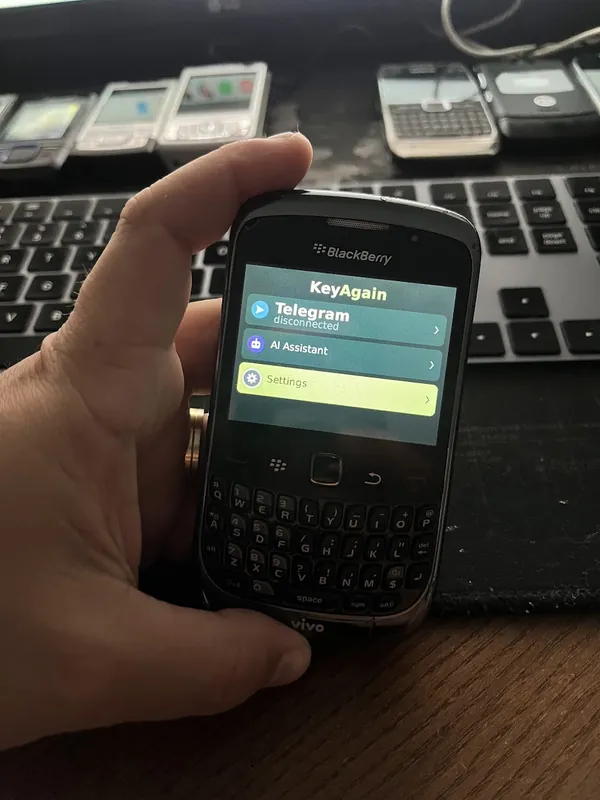
The official WhatsApp app left classic phones years ago. You can still read and reply to WhatsApp on a Nokia, BlackBerry or Motorola, as a linked device, with clear limits.
What happened to WhatsApp on classic phones
In 2016 WhatsApp announced it would stop supporting older systems, including Nokia Series 40, Nokia Symbian S60 and BlackBerry OS. The last of those apps stopped working between 2017 and the end of 2018. Since then, these phones can’t install or run the official app, which is why so many articles talk about “the end of WhatsApp on Nokia”.
The linked-device route
WhatsApp lets one account be used on several linked devices, such as WhatsApp Web on a computer, while your smartphone stays the main device. KeyAgain connects to your account the same way: its service links as a device, and your classic phone shows the chats.
- Read and reply to chats and groups
- See and send photos and voice notes, on phones with a camera and microphone
- Works with WhatsApp and the WhatsApp Business app (chats only; the catalogue, labels and automatic replies stay on your main phone)
The conditions, plainly
- It’s unofficial and in beta. WhatsApp doesn’t endorse this bridge. Use it at your own risk.
- Your smartphone stays the main device. It must come online at least every 14 days, or WhatsApp disconnects linked devices.
- Not end-to-end. To reach the classic phone, messages pass through our server. It keeps at most the latest 30 messages of each chat, encrypted, for up to 7 days.
- No WhatsApp calls. KeyAgain brings chats, photos and voice notes. Ordinary calls and SMS keep working on the classic phone as always.
- The WhatsApp Business Platform (API) isn’t supported, only the WhatsApp and WhatsApp Business apps.
WhatsApp in KeyAgain is experimental and free while it lasts; it isn’t part of the paid plan.
How to set it up
- Open your account at my.keyagain.app and choose WhatsApp.
- On your smartphone, open WhatsApp › Linked devices › Link a device, and scan the QR code.
- Install KeyAgain on the classic phone and pair it with the 6-digit code. Your chats arrive on the phone.
Want something fully official?
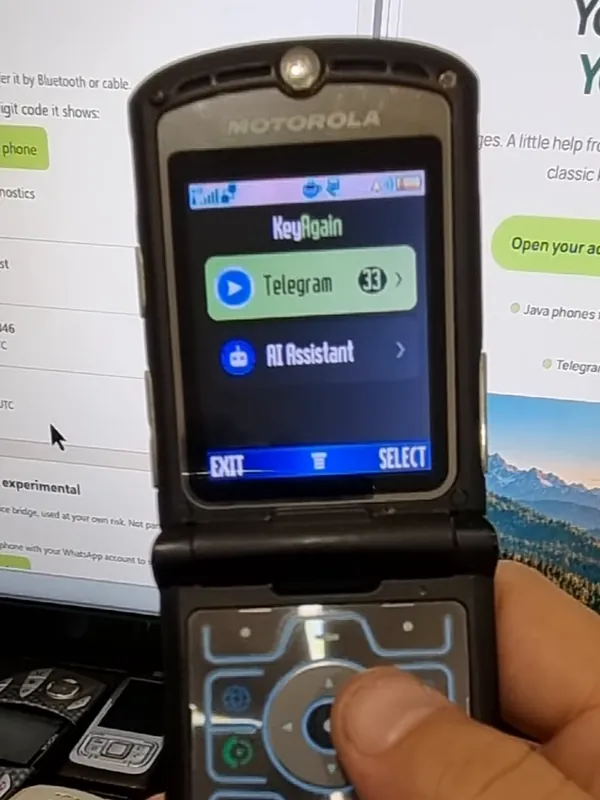
Telegram works on KeyAgain through Telegram’s official API, and doesn’t need a smartphone at all. Many people move their closest contacts there. Telegram on a keypad phone.