

Messaging and AI
Telegram on a keypad phone
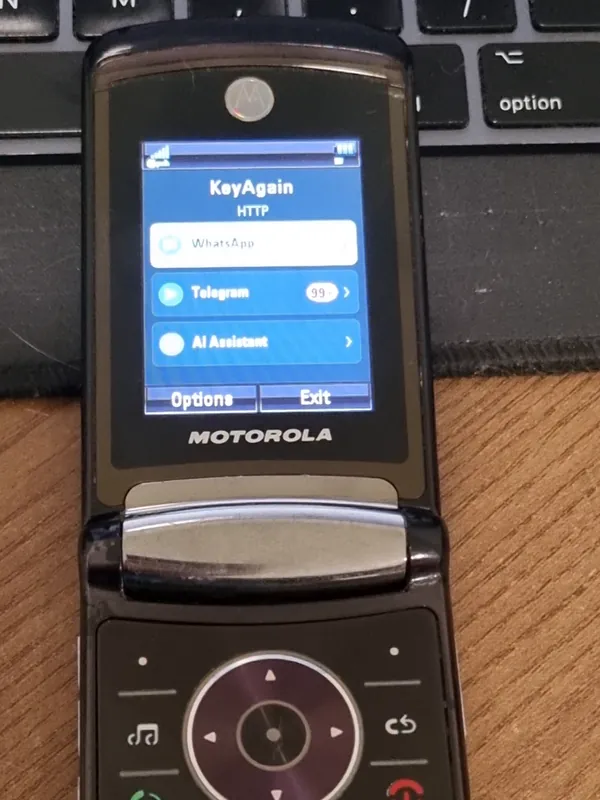
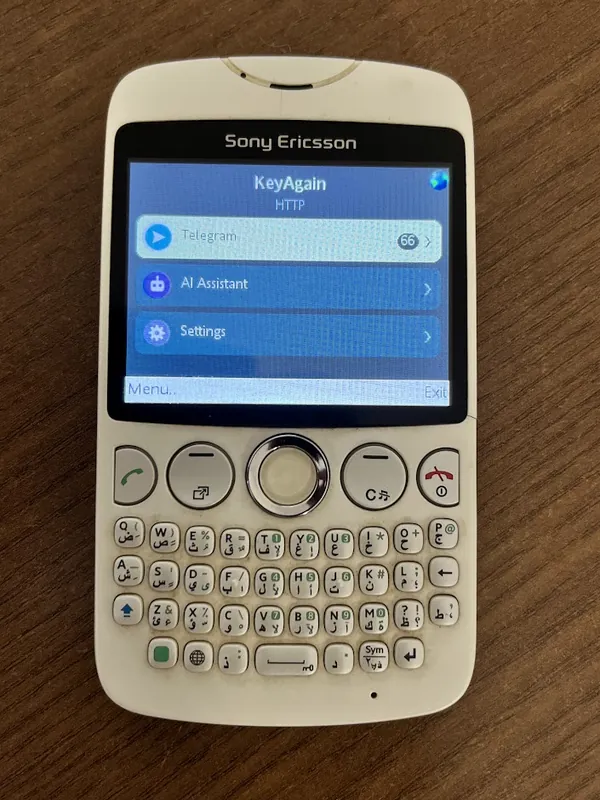
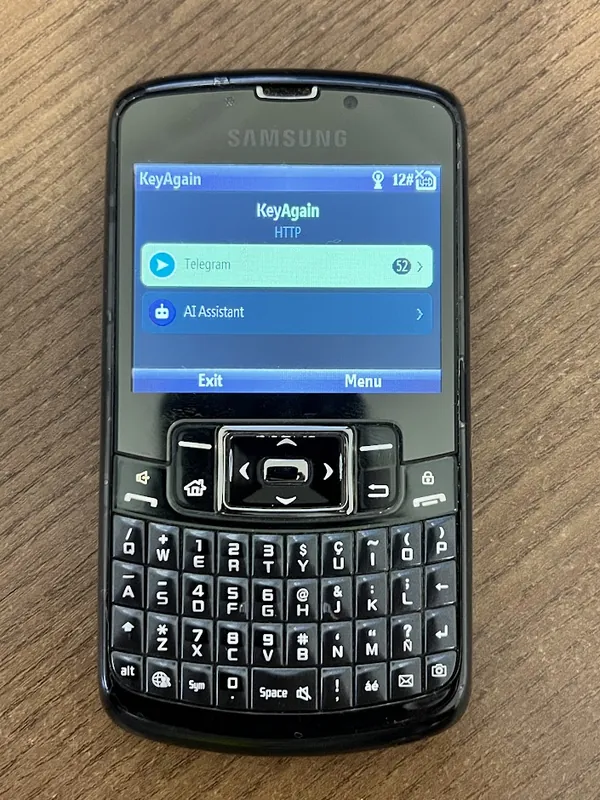
Telegram is the easiest way to bring real messaging to a classic phone: it connects through Telegram’s official API and doesn’t need a smartphone at all.
Why Telegram fits classic phones
Telegram keeps your chats in the cloud and lets you sign in on several devices at once, each on its own. So a classic phone can be a full Telegram device: no smartphone has to stay online in the background, and nothing depends on a 14-day rule.
What works
- Private chats and groups
- Photos and voice notes, on phones with a camera and microphone
- Typing on the keypad (with predictive text if your phone has it) or a QWERTY keyboard
Secret chats stay on the device where they were started: that’s how Telegram designed them, so they don’t appear in KeyAgain. Calls aren’t part of KeyAgain; ordinary calls and SMS keep working on the phone.
How to connect
- Open your account at my.keyagain.app and choose Telegram.
- Type your phone number and the code Telegram sends you (and your Telegram password, if you set one).
- Install KeyAgain on the classic phone and pair it with the 6-digit code.
Privacy
KeyAgain connects through Telegram’s official API for user accounts. Your Telegram session keys are stored encrypted on our server, and disconnecting Telegram from your account deletes them. Messages pass through our server to reach the phone, which keeps at most the latest 30 per chat, encrypted, for up to 7 days.
Moving your people over
Many KeyAgain users keep WhatsApp for everyone and ask their closest contacts (family, a few friends, a group or two) to use Telegram, where the connection is official. It takes one message: “I’m on Telegram now, it’s easier on my old phone.”