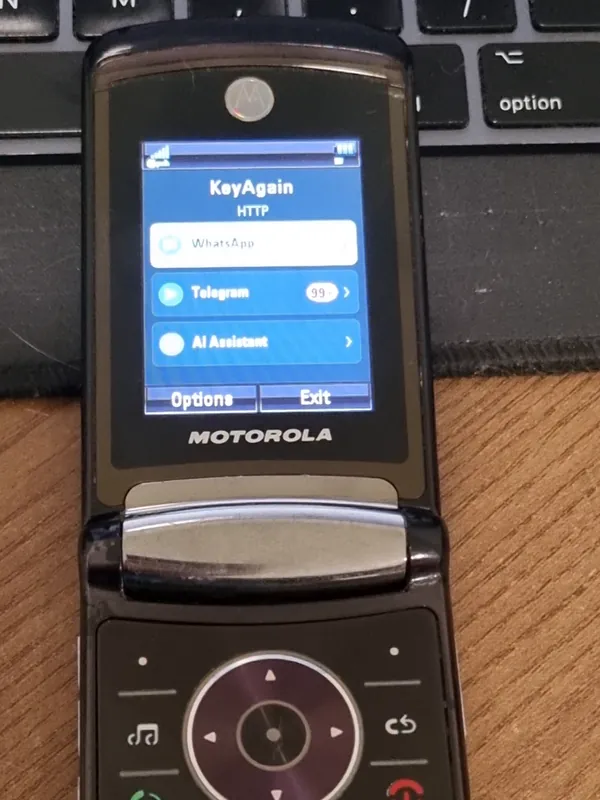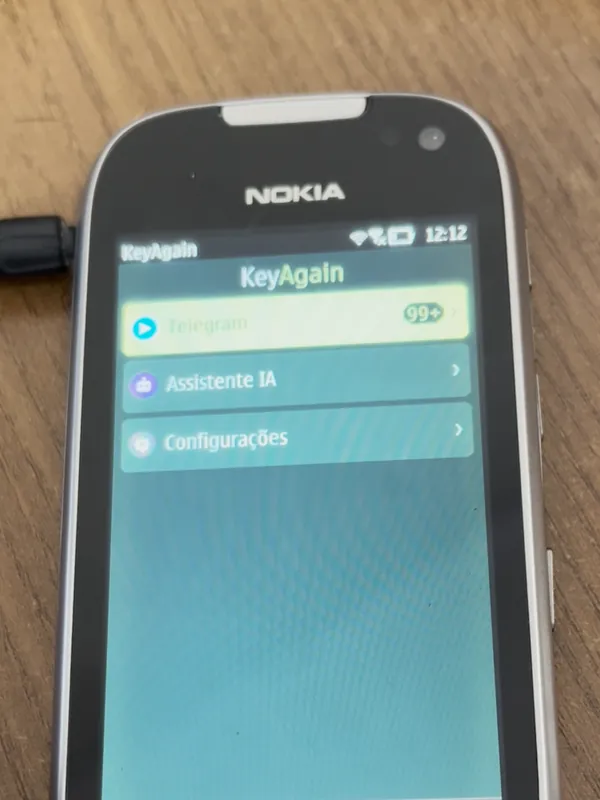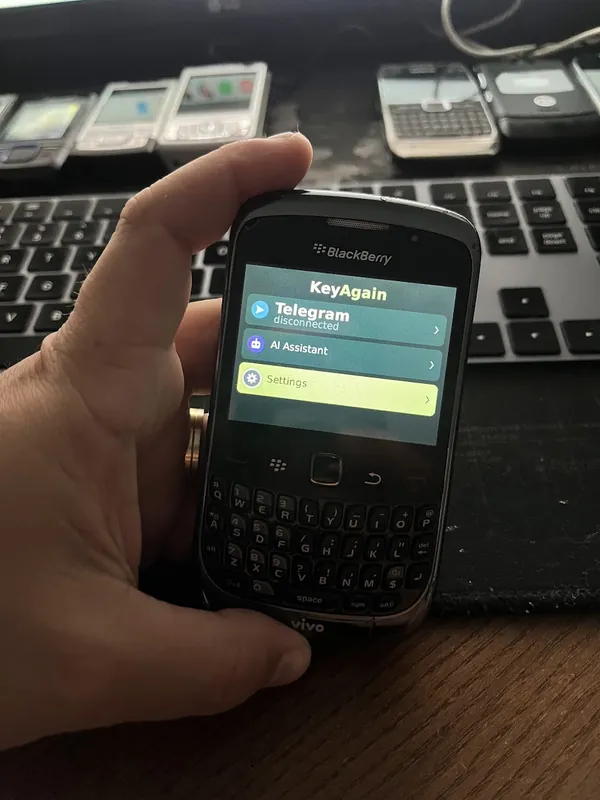


How it works
How to install a Java app on an old phone
There are four ways to get a Java app onto a classic phone. Start with the browser; if that fails, the others almost always work. Then decode the messages old phones like to show.
1. From the phone’s browser (easiest)
Open the browser on the classic phone and type m.keyagain.app. The page detects the phone and offers the right file. If the page doesn’t open, try these in order:
- keyagain.app
- http://m.keyagain.app (type http:// exactly, without the s)
- http://m.oldphonerevival.com/keyagain (the .com address avoids a security rule that some browsers apply to .app addresses)
These HTTP pages are only for installation and are unencrypted. Keep your account login on HTTPS, on a computer or modern phone.
2. By Bluetooth
On a computer or another phone, download the file. Turn on Bluetooth on the classic phone, make it visible, and send the .jar file to it. The phone receives it as a message or in its inbox: open it to install.
3. By USB cable
Many Nokia, Sony Ericsson and BlackBerry phones appear as a drive when connected by USB (choose “mass storage” or “data transfer” if the phone asks). Copy the .jar to the phone’s memory or card, then open it with the phone’s file manager.
4. By memory card
If the phone has a microSD or miniSD slot, copy the .jar to the card on a computer, put the card back, and open the file from the phone’s file manager or gallery.
Messages you may see, and what they mean
- “Not a signed application”, “Untrusted” or “Certificate” warnings: expected. KeyAgain isn’t signed with a phone-maker certificate. Confirm to continue.
- “Allow network access?”: say yes. Symbian phones let you choose “Ask first time only” in the application manager so they stop asking.
- “Invalid application”, “Application not supported” or “Invalid version”: the phone may only have MIDP 1.0. Use the MIDP 1.0 version from your account (“Other versions and diagnostics”).
- “Not enough memory”: free some space; the app is about 156 KB.
- “File corrupt” or “JAR size mismatch”: the download was interrupted. Download it again.
Where the app appears
Nokia Series 40: Applications or Apps (sometimes inside Gallery). Symbian: Applications or Installations. Sony Ericsson: Organizer › Applications. Motorola: Games & Apps or the Java folder. Samsung: Games or Apps. BlackBerry: the home screen or the Downloads folder.
After installing
Open KeyAgain. It shows a 6-digit code. On a computer or modern phone, sign in at my.keyagain.app, connect your services and type the code once. Done.