Nokia
Series 40 · S60 (Symbian)
Bar, slider, flip and QWERTY: hundreds of Nokia models from the Java era run apps on Series 40 or S60. Where it all started.
Already running on models such as
- E71
- 6600
- XpressMusic
- N-Gage
- 701
- Series 40 classics
THE OLD PHONE REVIVAL
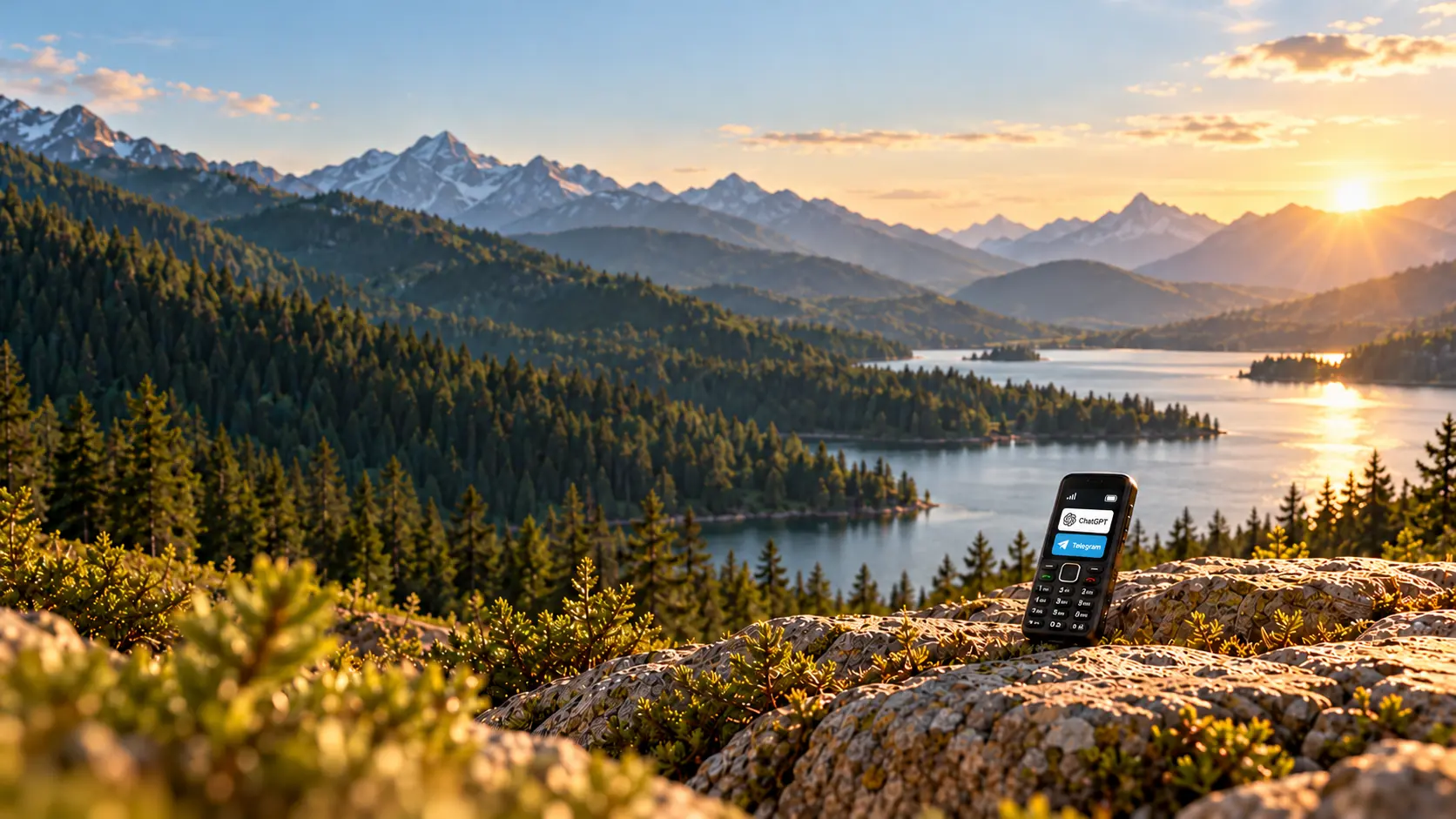
Messages. A little help from AI. And more room for everything else. Bring your classic keypad phone back into your day.
Free* · no card · AI included. *Up to 100 sent messages and 30 AI questions a month.
Open your account Download the app →
NEW: NO CARD. NO TRIAL THAT RUNS OUT.
Telegram, WhatsApp, photos, voice notes and AI. All included.
Create my free account*Free up to 100 sent messages and 30 AI questions a month, counted from the day you sign up. Reading and receiving don’t count.
Each account has its own cycle: sign up on the 10th and your counters reset every 10th. Reached a limit? We’ll email you. Choose Basic to keep sending now, without limits, or wait for the reset. No card needed for the free plan.
A keypad, a small screen, no feeds. Your phone becomes a tool again, not a place you live in.
No new device to buy if your classic phone is supported. Give a working phone a second life.
The people who matter can still reach you on the apps they already use — within the limits we list below.
COMPATIBILITY
It’s not about one model — it’s about a whole generation. In the 2000s and early 2010s, Nokia, Motorola, BlackBerry, Samsung, Sony Ericsson and others built entire lines of phones on the same Java system (Java ME). KeyAgain is made for that system, not for a single handset, so it runs on most phones with Java. The models below are just a few of them.
Series 40 · S60 (Symbian)
Bar, slider, flip and QWERTY: hundreds of Nokia models from the Java era run apps on Series 40 or S60. Where it all started.
Already running on models such as
Motorola Java phones · MIDP 2.0
The RAZR generation — flips, sliders and bar phones — shared one Java system across many models, from the RAZR V3 to the RAZR2 V9.
Already running on models such as
BlackBerry OS · Java-based
On classic BlackBerry OS, every app is a Java app — Curve, Bold, Pearl and more. BlackBerry switched off its legacy services in 2022; KeyAgain opens its own connection instead.
Already running on models such as
Java ME · Windows Mobile
Samsung flips and QWERTYs, Sony Ericsson Cyber-shot phones and many other Java classics share the same foundation — and so do Windows Mobile devices with a Java runtime.
Already running on models such as
Most phones with Java run KeyAgain. If yours isn’t named here, install it and see for yourself — it’s free. Then tell us the model and we’ll add it to the list.
See every phone, with real photos →
Brand names are used only to describe compatibility. KeyAgain is not affiliated with Nokia, Motorola, BlackBerry, Samsung, Sony Ericsson, HP or Microsoft.
What the app does today, on real phones.
| Feature | Status | Notes |
|---|---|---|
| Telegram messages | Working | Uses Telegram’s official API for user accounts. |
| WhatsApp messages | Beta | Unofficial bridge (linked device). Works with WhatsApp and the WhatsApp Business app; business tools stay on your main phone. Not endorsed by WhatsApp; your main phone must come online at least every 14 days. Use at your own risk. |
| Photos & voice messages | Working | Built into the app: send and receive photos and voice notes. The option shows on phones with a camera and microphone. |
| AI assistant | Working | Included free: 30 AI questions a month on every account. Need more? Optional AI plan: 1/week or 3/month in EUR, GBP, USD or CAD, with 100 questions per calendar month, maximum 50 per day. |
A classic phone needs a working data connection. Check your model and your operator’s coverage before choosing a plan.
Mobile data
2G availability varies by country and operator. A SIM alone does not guarantee coverage.
Wi-Fi
Some Java phones have Wi-Fi. Support still depends on the model and firmware.
PRIVACY & SECURITY
Old phones can’t handle modern security on their own, so we built it into the app and the server.
Its own encrypted connection
The app carries our server’s certificate and encrypts the connection itself. Nothing to install on the phone.
Messages kept briefly, encrypted
The server keeps only the latest 30 messages of each chat, stored encrypted, and deletes them automatically within 7 days — just long enough to reach your phone.
Connections stored encrypted
Your Telegram session keys are encrypted on our server. Disconnecting an account deletes them.
No feed, no ads, no data sales
We don’t read, analyse or sell your messages. They pass through our server only to reach your phone.
Good to know: on some very old phones that can’t make a secure connection at all, the app switches to plain HTTP automatically so it can still work, and shows “HTTP” on its home screen. In that mode messages travel unencrypted, so use a network you trust. The server has to read messages to deliver them, so this is not end-to-end encryption.
The movement behind KeyAgain
KeyAgain was born from a simple idea: the best phone upgrade might already be in your drawer. The Old Phone Revival is the movement around it — people giving working classic phones a second life and taking back some of the attention a smartphone takes.
Visit the movement See the 2G/3G map →
Started by the team behind KeyAgain · oldphonerevival.com
A SECOND LIFE FOR YOUR PHONE
It’s free:* check compatibility, install KeyAgain, and connect your phone from your account.
Yes.* Create an account and confirm your email: Telegram, WhatsApp (beta), photos, voice notes and the AI assistant, no card needed. *Up to 100 sent messages and 30 AI questions a month, counted from the day you sign up; reading and receiving don’t count. Over the limit, choose Basic to keep sending without limits, or wait for your counter to reset on the same day next month.
KeyAgain is a small Java app (about 156 KB) plus an online service that brings Telegram, WhatsApp (beta), photos, voice messages and a simple AI assistant to most phones with Java — Nokia, Motorola, BlackBerry, Samsung, Sony Ericsson and more. The heavy work runs on our server, so the phone can stay simple.
Most phones that run Java apps (Java ME, MIDP 2.0) from the 2000s and early 2010s: Nokia Series 40 and S60 (from the 6600 and E71 to the touchscreen 701), Motorola phones such as the RAZR V3 and RAZR2 V9, BlackBerry OS phones such as the Curve, Samsung and Sony Ericsson Java phones, and more. KeyAgain is built for the platform, not for one model.
If it runs Java apps, very likely: most Nokia Series 40 and S60 phones do. Only the oldest models that can’t run apps at all, such as the original Nokia 3310, are out.
Yes, in beta, through an unofficial linked-device bridge. It is not endorsed by WhatsApp, your main phone must come online at least every 14 days, and you use it at your own risk. Telegram uses its official API.
Yes. An account on the WhatsApp Business app links the same way as regular WhatsApp: in beta, as a linked device, with the same conditions (your main phone must come online at least every 14 days). Your chats appear on the classic phone; the catalogue, labels and automatic replies stay on your main phone. The WhatsApp Business Platform (API) is not supported.
Included free: 30 AI questions a month on every account. Need more? Optional AI plan: 1/week or 3/month in EUR, GBP, USD or CAD, with 100 questions per calendar month, maximum 50 per day. KeyAgain is independent and is not the ChatGPT app.
Yes. On BlackBerry OS phones such as the Curve, KeyAgain opens its own internet connection and does not depend on the services BlackBerry switched off. You still need mobile data or Wi-Fi.
Open m.keyagain.app in your phone’s browser, or download keyagain.jar on a computer and transfer it by Bluetooth or cable. Then pair the phone once with a 6-digit code from your account.
No. KeyAgain is an independent project and is not affiliated with WhatsApp, Telegram, Nokia, Motorola or BlackBerry. We list how each integration works and its known risks.
Not if your classic phone is supported and a network still reaches it where you live. We don’t sell phones.
Old phones can’t run modern messaging apps, so your messages pass through our server to reach the phone. Read our Privacy Policy for details about how data is handled.
On the Nokia Series 40 shown in this guide, follow the illustrated steps to choose “Ask once” for KeyAgain. Menu names differ on other models and phone systems. See the illustrated steps →
We're here to help you get the best from your phone. Tell us what happened; your experience helps us improve.