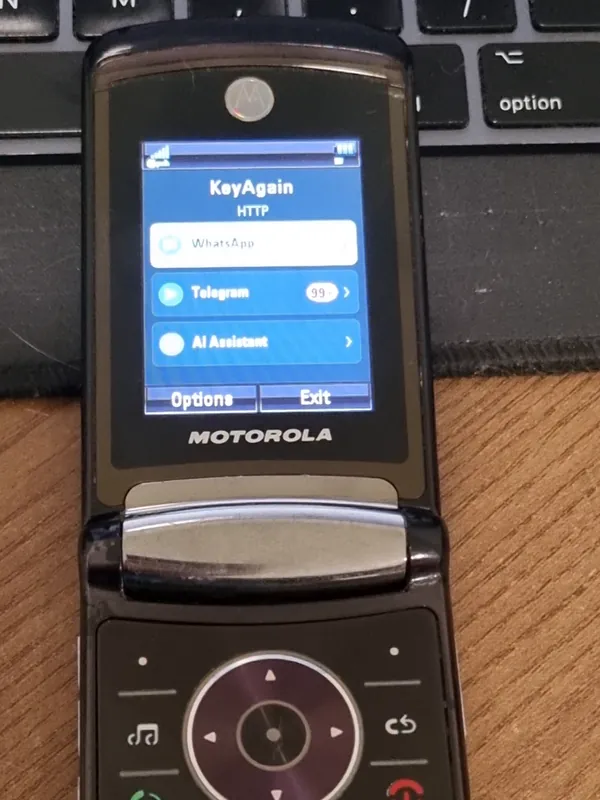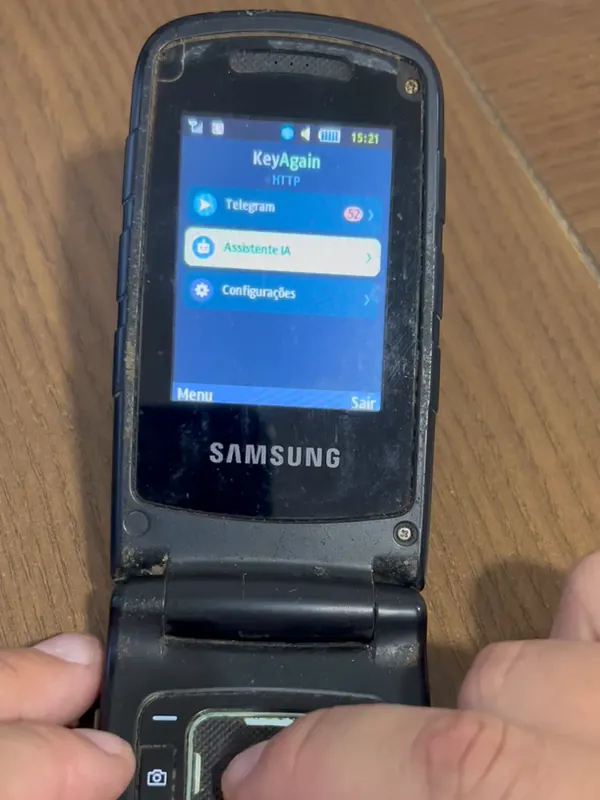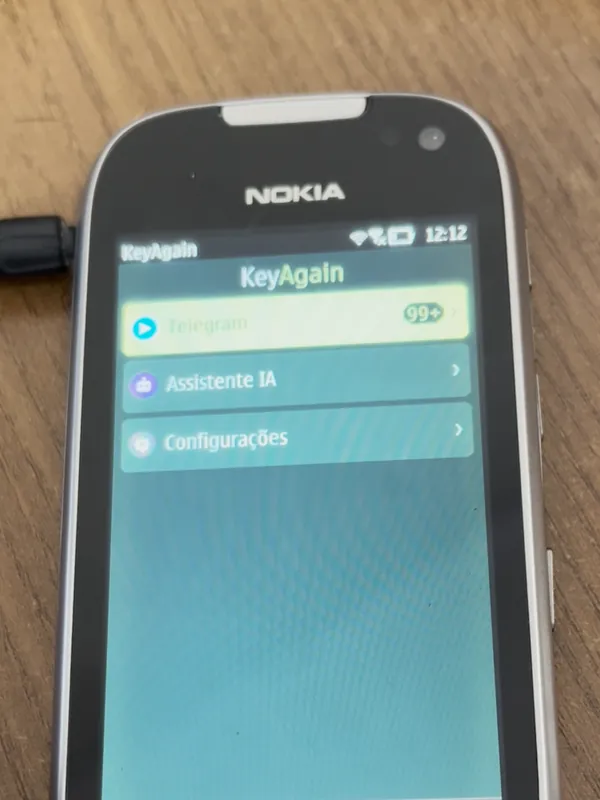


Living with a classic phone
Living with a keypad phone: a practical setup
A keypad phone won’t do everything a smartphone does, and that’s the point. Here are the setups that work for people who use one, from weekends only to every day.
Why people try it
Many people feel their phone takes more time than they want to give it. In a Pew Research Center survey of US adults published in September 2026, 53% said they spend too much time on their smartphone, and 45% had tried to cut back in the past year. Ofcom found that the average UK adult spends about 4 hours 30 minutes online a day outside work. These figures describe how people feel and behave, not what a keypad phone will do for you; every experience is personal. (Sources: Old phones by the numbers.)
Pick a setup
- Weekends only. Swap the SIM (or carry both phones) on Friday evening. Chats keep arriving on the keypad phone; feeds stay on the smartphone, at home.
- Focus hours. Leave the smartphone in a drawer during work or family time, and keep the keypad phone with you for the people who matter.
- Travel and outdoors. Classic phones are small, tough and their batteries often last days. Good for hiking, festivals and trips.
- Full time. Possible for many people. Keep a smartphone or computer at home for banking, two-factor codes and the odd app.
What to keep on the smartphone
- Banking apps, two-factor codes and anything with sensitive data.
- WhatsApp’s main device: it has to come online at least every 14 days, so it can stay at home on Wi-Fi.
- Maps and tickets, unless you plan ahead.
Make messaging easy
- Tell your closest people you’re on a keypad phone: replies might be shorter.
- Telegram works without a smartphone; WhatsApp works as a linked device (beta).
- T9 predictive text (or a QWERTY phone like the Nokia E71) makes typing quick.
- Voice notes are often faster than typing.
A phone for a parent or grandparent
Familiar keys, a long battery and a simple menu suit many older relatives. With KeyAgain the family can reach them on the apps everyone already uses. Set it up together, and write down the steps.