

Living with a classic phone
Bring a drawer phone back to life: a checklist
Plenty of working phones sit in drawers. Getting one back into daily use takes about half an hour and this checklist, with safety first.
Why bother
A lot of phones never get a second life. The WEEE Forum estimated that 5.3 billion mobile phones would drop out of use in 2022, most of them expected to end up in drawers, cupboards or the bin rather than being reused or recycled. Its surveys of European households found, on average, 9 unused devices that still work. Reusing one doesn’t make it impact-free; it just puts something already made back to work. (Sources: Old phones by the numbers.)
1. Battery: safety first
- If the battery is swollen, bent or damaged, or the back cover doesn’t close, don’t charge it. Take it to a battery recycling point.
- Old batteries often hold less charge. Replacement batteries exist for many classic models; buy from a reputable seller.
- Charge on a hard surface the first time, and stay nearby.
2. Charger
Classic Nokias mostly use the thin 2 mm round pin; later models and many Motorola, BlackBerry and Sony Ericsson phones use mini-USB or micro-USB, and some Sony Ericssons use their own flat connector. A modern USB charger works with the right cable.
3. SIM and network
- Old phones take the full-size mini-SIM. Ask your operator for one, or use an adapter with care.
- The phone may be locked to its original operator. Ask that operator for an unlock code.
- Check that 2G (or 3G) still runs where you live: networks by country.
4. Codes and settings
- Forgotten the security code? On many Nokias the default was 12345. Otherwise, a full reset (from the settings menu) needs the code too; some manufacturers’ support can help.
- Set the date and time correctly: secure connections can fail when the clock is years off.
- Delete old messages and photos to free memory.
5. Get it online and add the apps
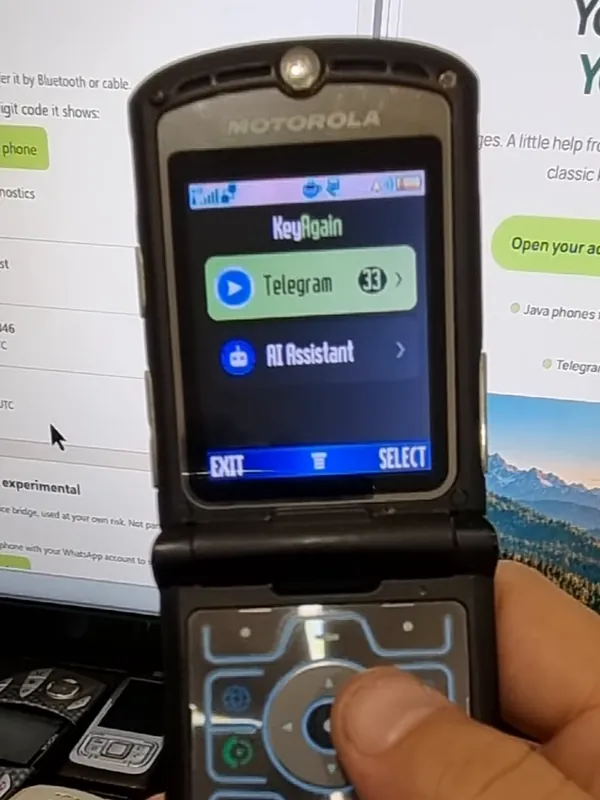
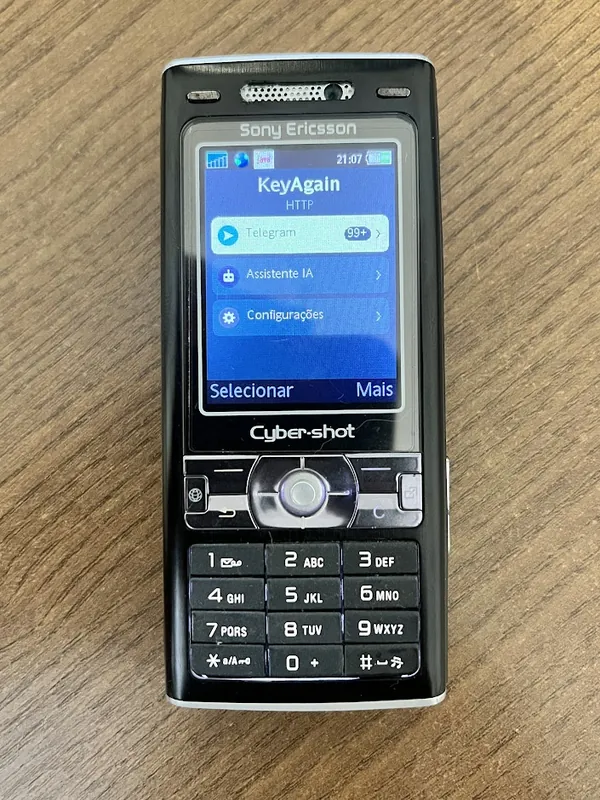
Set up mobile data (APN guide) or Wi-Fi, then install KeyAgain for Telegram, WhatsApp (beta) and AI. Three free days let you see how it fits your life.