


Phone family
KeyAgain on Windows Mobile phones
Pocket PCs and QWERTY smartphones from HP, Samsung, HTC and others ran Windows Mobile in the 2000s. With a Java runtime installed, they can run KeyAgain too.
Models in this family
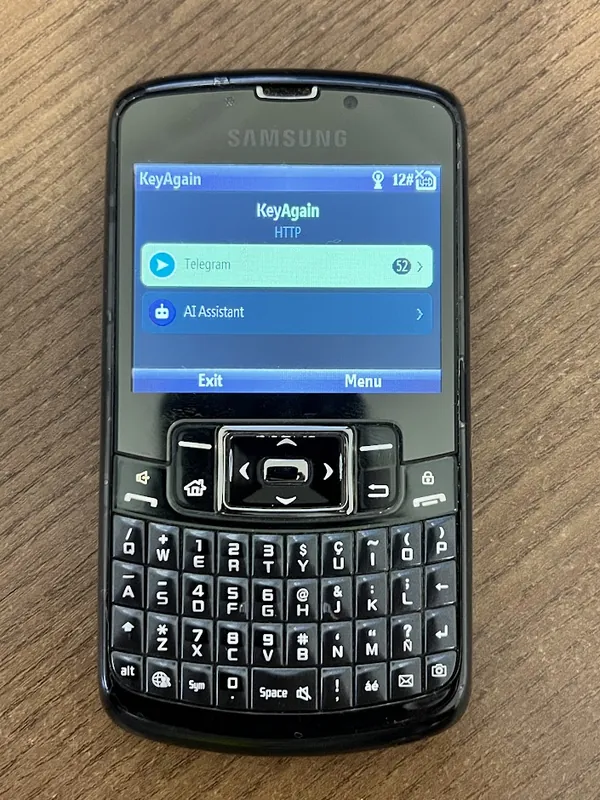 Samsung Windows Mobile QWERTYRunning on a real phone
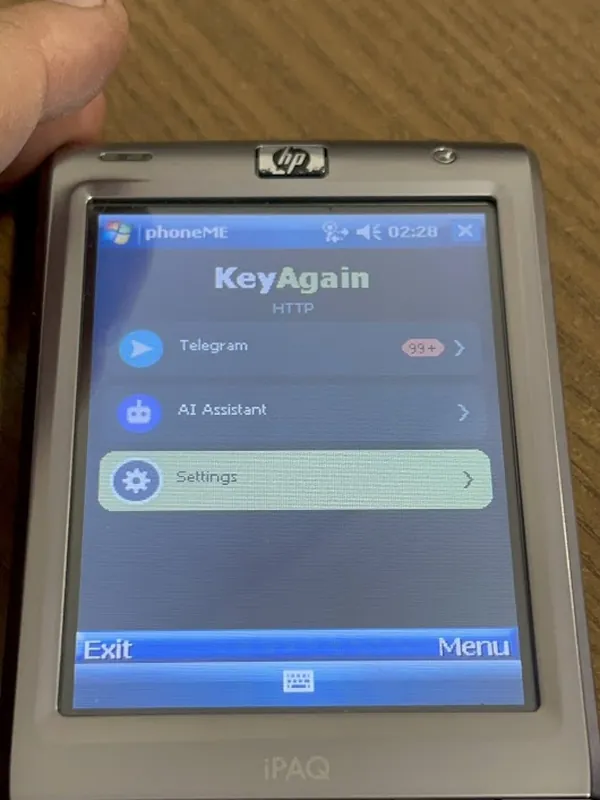 HP iPAQ (Windows Mobile 6)Running on a real phone
Why the whole family can run it
Windows Mobile doesn’t run Java apps by itself on many devices. Install a Java ME runtime first: on our HP iPAQ with Windows Mobile 6 we used phoneME, an open-source Java runtime, and KeyAgain ran over Wi-Fi. Then open the KeyAgain file with that runtime and pair as usual. Many Windows Mobile devices have Wi-Fi, so they can get online even where 2G and 3G are gone. Setup takes a few more steps than on a Nokia: write to us and we’ll send them.
Questions
Which Windows Mobile phones run KeyAgain?
We’ve seen it running on the Samsung Windows Mobile QWERTY and HP iPAQ (Windows Mobile 6). It’s built for the Java system the whole family shares, so most other Windows Mobile phones with Java should run it too; the first 3 days are free to check yours.