

How it works
Java ME (J2ME) and MIDP: how classic phones run apps
Before app stores, most phones ran the same kind of app: a small Java program. That shared system is why a Nokia, a Motorola and a BlackBerry from the 2000s can all run KeyAgain.
One platform, hundreds of phones
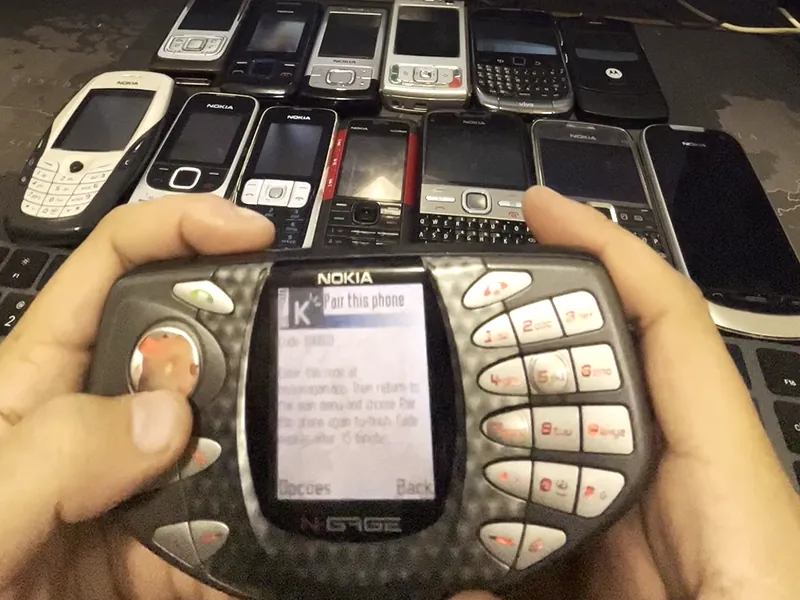
Java ME (first called J2ME, Java 2 Micro Edition) was launched by Sun Microsystems in 1999 as a version of Java small enough for phones and other little devices. Phone makers built it into their own systems: Nokia Series 40 and Symbian, Motorola, Sony Ericsson, Samsung, LG and many more. On BlackBerry OS, every app is a Java app. The games and apps people downloaded to their phones in the 2000s were almost all Java ME apps, often called MIDlets.
The result: an app written for the platform, not for one handset, can run on phones from many brands. That’s exactly how KeyAgain is built.
MIDP and CLDC, the two version numbers that matter
Every Java phone has two labels, usually listed in its specifications:
- MIDP (Mobile Information Device Profile) defines what apps can do: screens, keys, network, storage. MIDP 1.0 came first (2000) and is very limited. MIDP 2.0 (2002) added much better networking, media and security, and became the standard for most phones from the mid-2000s.
- CLDC (Connected Limited Device Configuration) is the core Java underneath. CLDC 1.0 has no decimal numbers, for example; CLDC 1.1 added them.
| Phone has | What KeyAgain does | Example |
|---|---|---|
| MIDP 2.0 + CLDC 1.1 | Full app | Nokia E71, RAZR2 V9, BlackBerry Curve 9300 |
| MIDP 2.0 + CLDC 1.0 | Full app (built to handle the older core) | Nokia 6600 |
| MIDP 1.0 | Separate, lighter text-only version | Original Nokia N-Gage |
| No Java at all | Can’t run | Original Nokia 3310 |
JAR and JAD files
A Java ME app comes as a .jar file (the app itself, a zip archive) and sometimes a .jad file (a short text description with the app’s name, size and where to download it). Some phones install from the .jar alone; others prefer to open the .jad first. KeyAgain’s installer page at m.keyagain.app offers what each phone needs. How to install a Java app.
Why not just use a modern app?
Modern apps need modern systems: Android or iOS, lots of memory, a big screen and the latest security. A classic phone has a few megabytes of memory, a screen the size of a stamp and a Java runtime from 2005. KeyAgain keeps the phone’s part tiny and moves the heavy work to an online service, so the phone only has to show text, photos and short voice notes.
What about Windows Mobile?
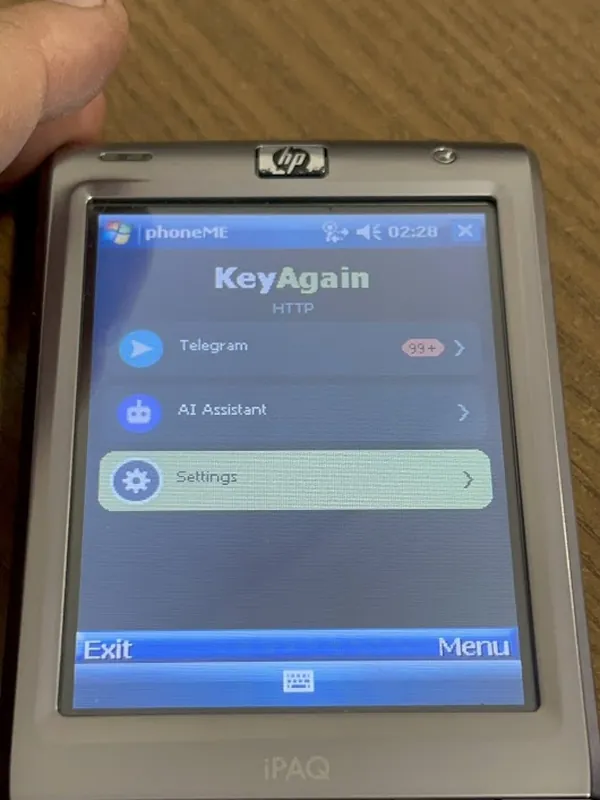
Windows Mobile devices from the 2000s don’t always include Java. With a Java runtime installed (we used phoneME, an open-source Java ME runtime, on an HP iPAQ with Windows Mobile 6), they can run KeyAgain too.